

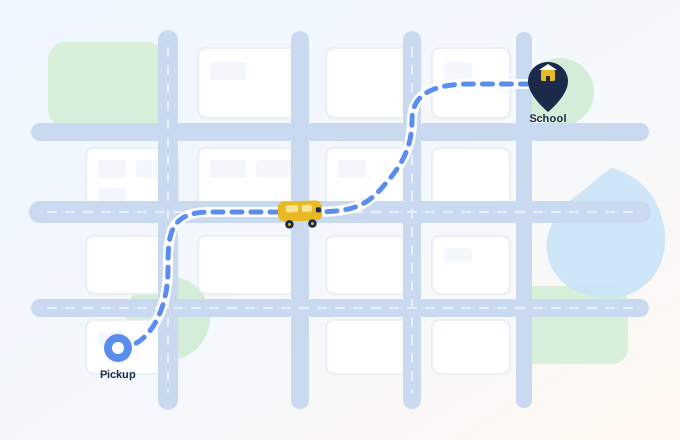
Find School Transport
Create a transport request for your child’s school and route so relevant drivers can review the requirement and respond.
Smarter school transport
The SchoolVan mobile app connects parents, drivers and schools so families can follow each school transport journey with more clarity.
Parents and drivers use the SchoolVan mobile app. This website is for information only.
SchoolVan
Morning Trip
Destination
Oakridge School
Pickup complete · En route
0+
Schools
0+
Drivers
0+
Parents
0+
Students
Illustrative demo metrics
What SchoolVan Helps You Do
Finding and managing school transport often means separate calls, messages and informal arrangements. SchoolVan brings parents and drivers into one connected platform where transport requests, child-driver connections and daily school journeys can be managed more clearly.
Parents can find and connect with drivers, manage each child’s transport arrangement and follow active journey updates. Drivers can respond to parent requests, manage connected children and run daily school trips through the SchoolVan app.
Create a transport request for your child’s school and route so relevant drivers can review the requirement and respond.
Review driver and transport information, discuss the arrangement and connect once both parent and driver agree.
Add multiple children and maintain separate school, route and driver arrangements for each child where required.
See journey progress, trip status and ETA during an active school trip.
Follow practical states such as approaching, picked up, on the way and dropped.
Keep each child’s transport relationship connected, or end or change it when required.
SchoolVan does not operate the vehicle or place a tracker on the child. Physical transportation is provided by the relevant driver or transport provider, while active-trip journey visibility is based on the connected driver’s mobile-device location.
How it works
SchoolVan begins with a transport request, not with live tracking. A parent creates a request for a child’s transport needs, relevant drivers can respond, and once both sides agree they become connected. Active journey visibility can then support their daily school trips.
Parents submit a transport request for their child using route / school journey details.
Drivers can view incoming requests and respond based on route, availability and fare.
Once both sides agree on the quoted arrangement, the parent and driver are connected in SchoolVan.
During active school trips, the driver's location powers live journey visibility for the assigned parent.
Built for every role
Find transport, connect with a driver, manage children separately and follow active trip visibility.
Receive requests, manage connected children, run daily trips and mark pickup and drop with clear next-stop information.
Assigned trip
Route SV-12
Coordinate students, parents, drivers and vehicles for clearer school-day transport visibility — without SchoolVan operating the vehicles.
Van SV-12
Oakridge School · Morning trip
Live tracking
During an active school trip, connected parents can follow journey progress using the assigned driver’s mobile-device location and see relevant trip status and ETA information.
SchoolVan does not place a GPS tracker, chip or wearable device on the child.
Parents can follow relevant journey progress during an active school trip.
Parents, drivers and children remain connected through the agreed transport arrangement.
Important journey information is easier to understand during pickup, travel and drop.
Drivers get practical trip-management tools without unnecessary complexity.
Mobile experience
Use SchoolVan on your phone to manage trips and stay connected while you’re on the move.
Good morning
Today's journey
Morning Trip
LIVEMobile app
Download the SchoolVan app to get started as a parent or driver. This public website is for information only.
Android
The SchoolVan Android app for parents and drivers will be listed here when the store listing is available.
iPhone and iPad
The SchoolVan iOS app for parents and drivers will be listed here when the store listing is available.
Get the SchoolVan app, or contact us if you represent a school or need support getting started.